Spend books
Cash in and cash out by date, category, party and payment mode, with running balances.
Personal · Family · Small business
Kanakkedu is a private ledger for you and your family. Keep spend books, bank accounts, budgets, investments and savings goals in one calm place, and see where your money goes in clear lakh-and-crore numbers.
Screens show sample data.
Take the tour
Real Kanakkedu screens, filled with a sample family's numbers.
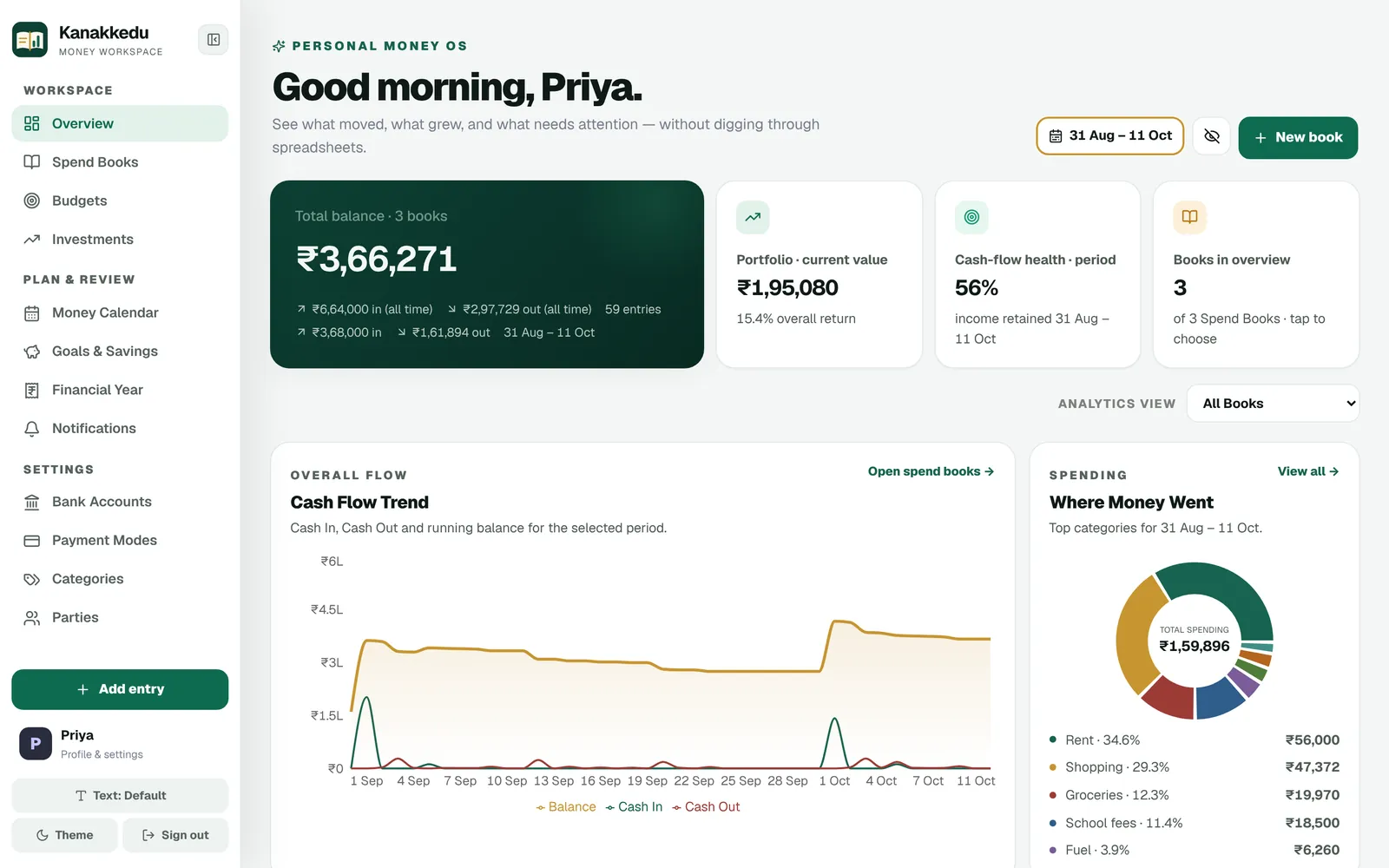
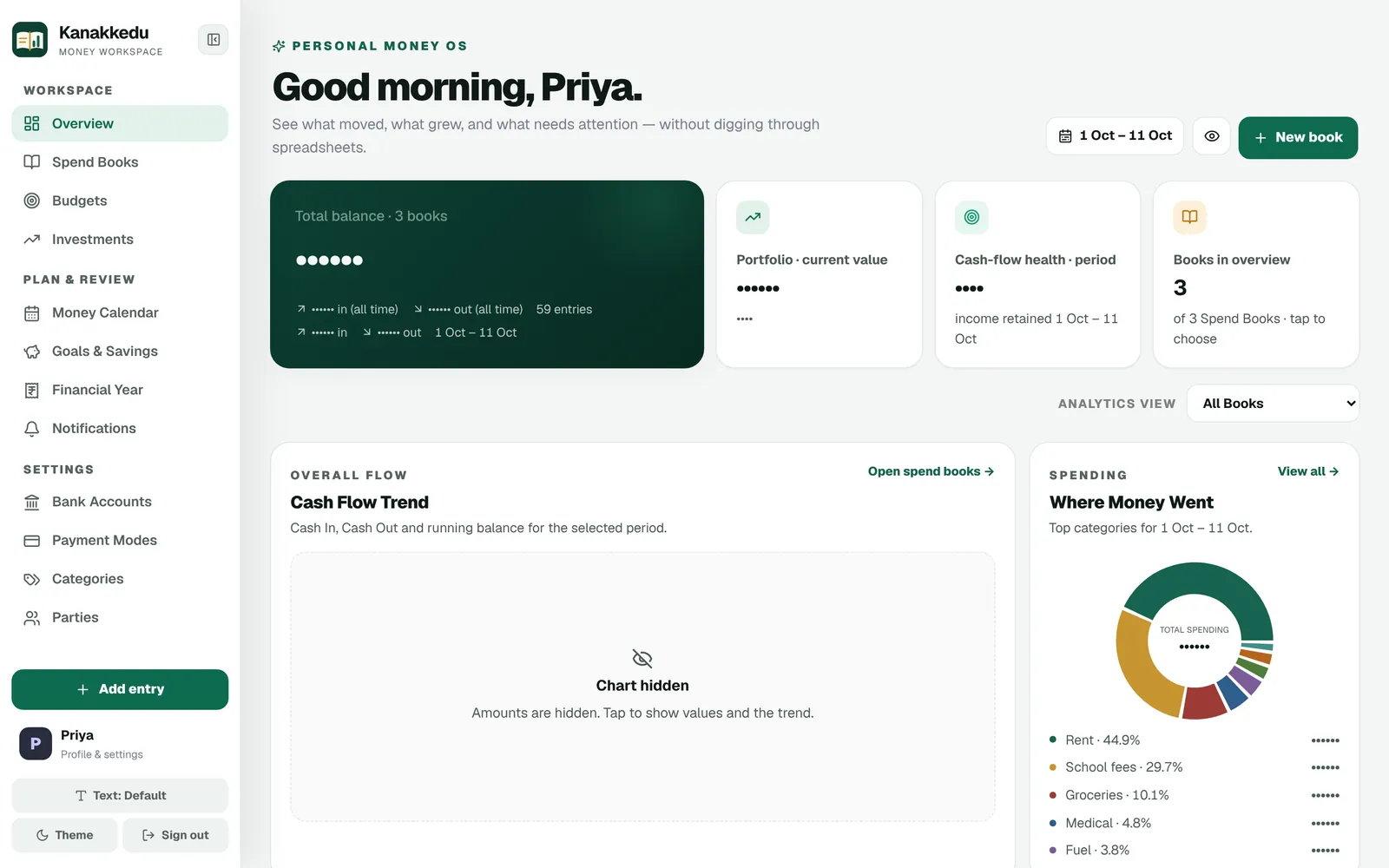
One overview brings every included book together: total balance, money in and out for any date range, income retained and your investment portfolio.
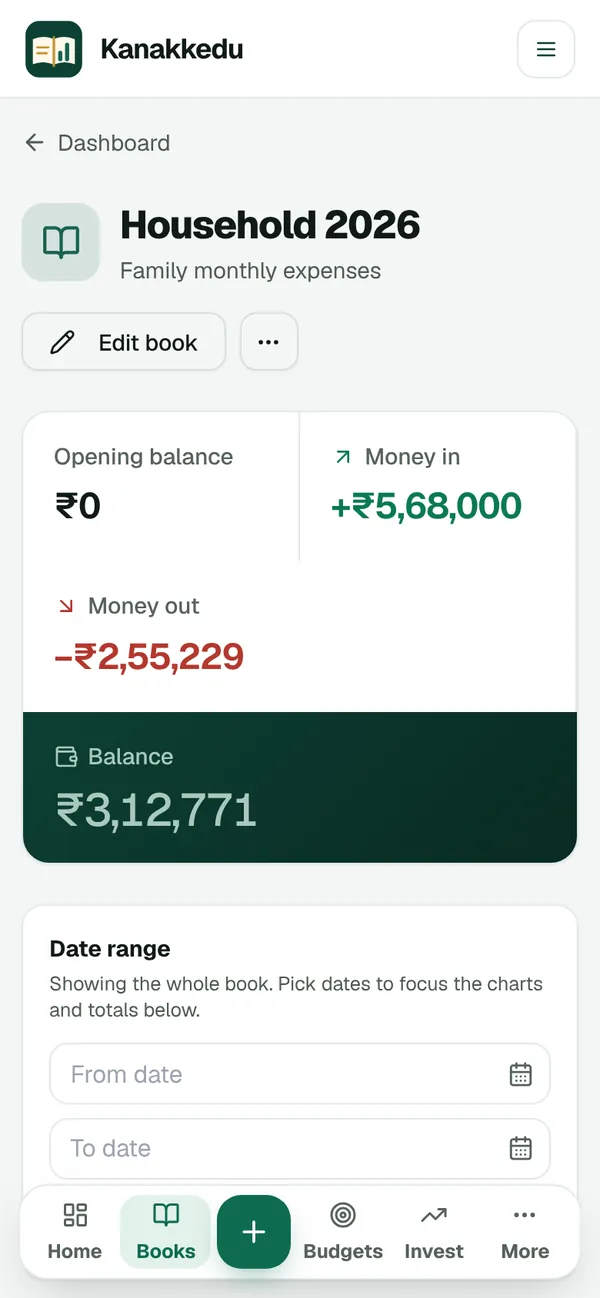
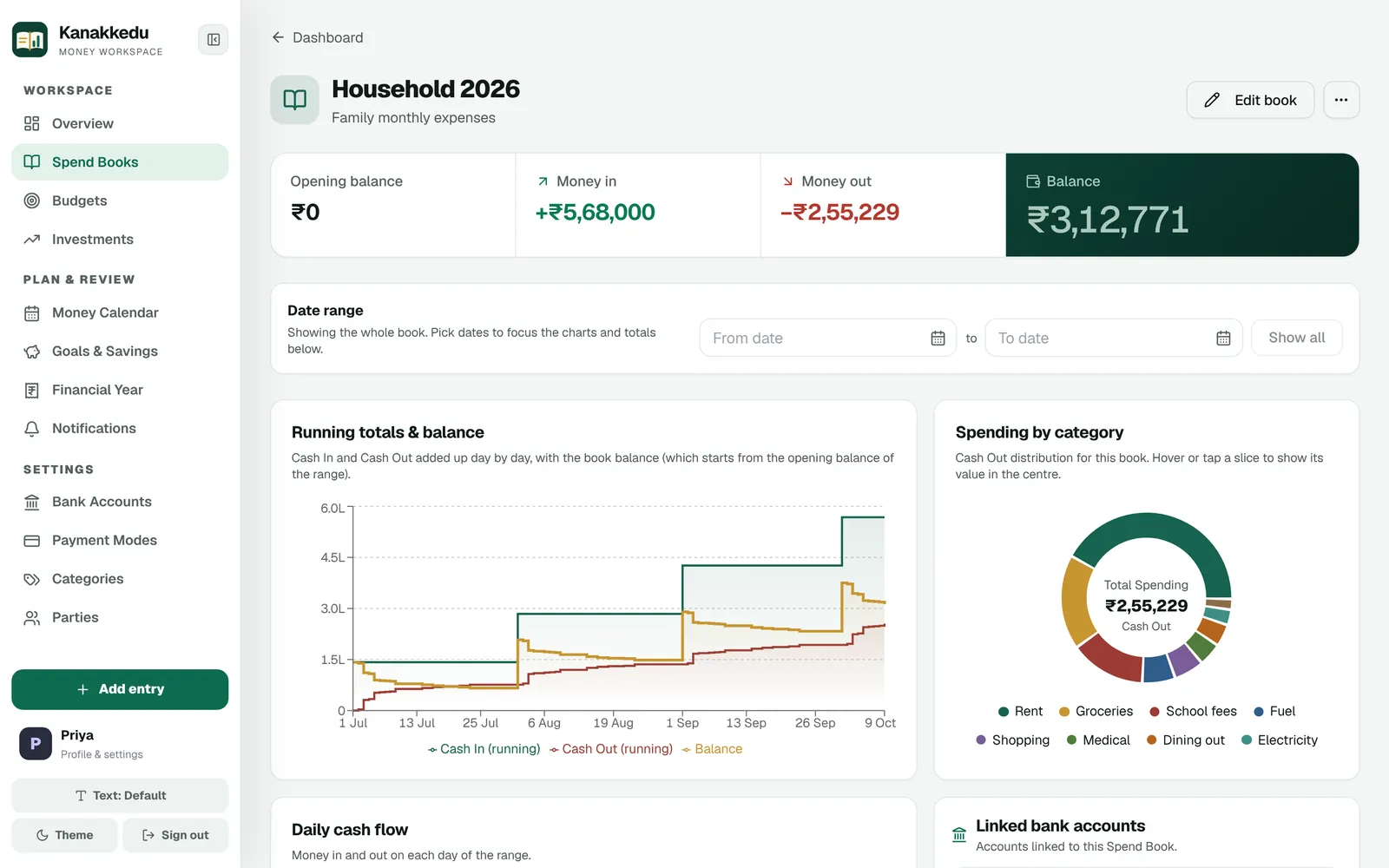
Keep separate books for the household, a holiday or tuition income. Each book shows opening balance, cash in, cash out and net balance, with running totals and daily cash flow.
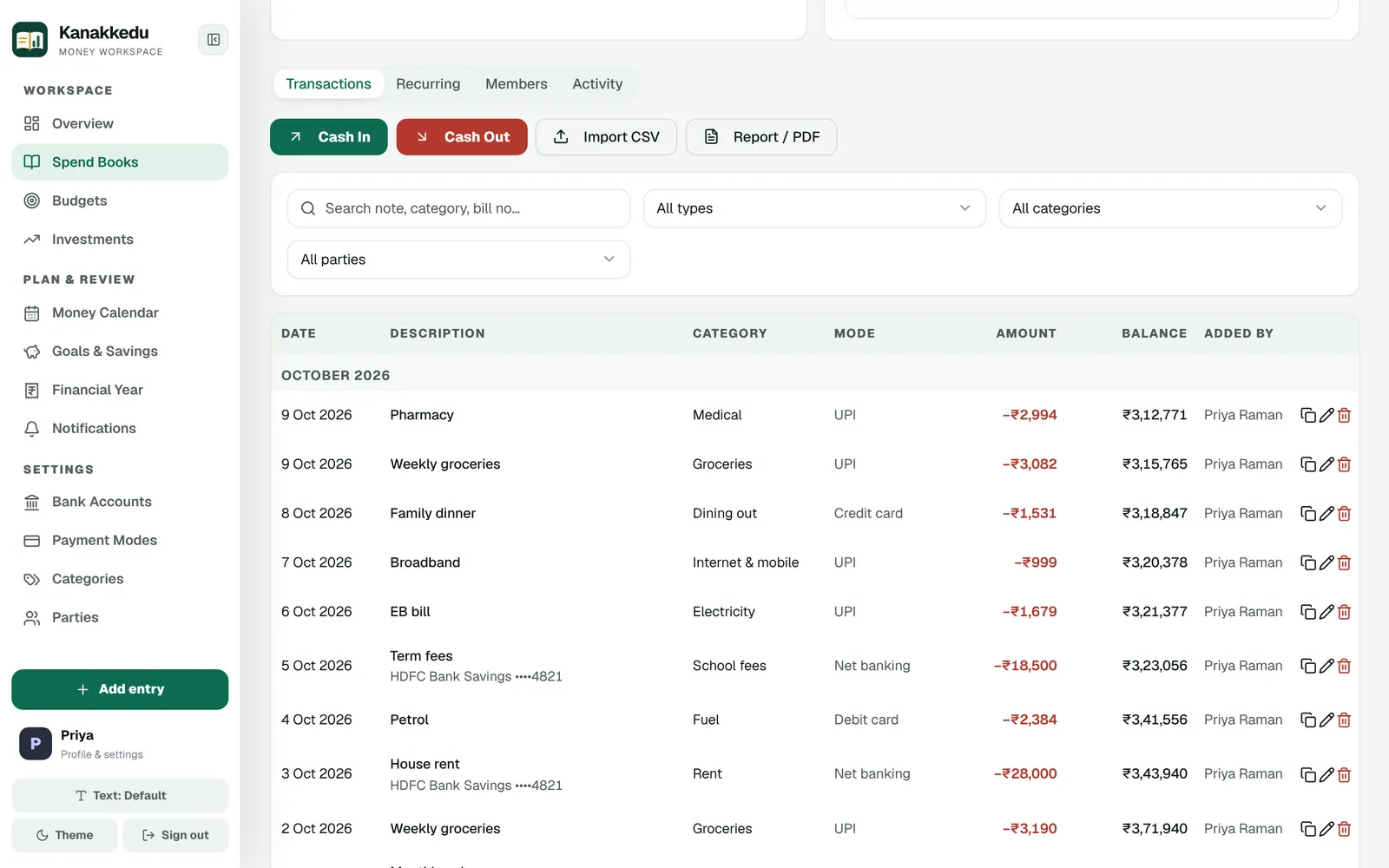
Every entry shows its date, category, payment mode, amount, running balance and who added it, grouped month by month.
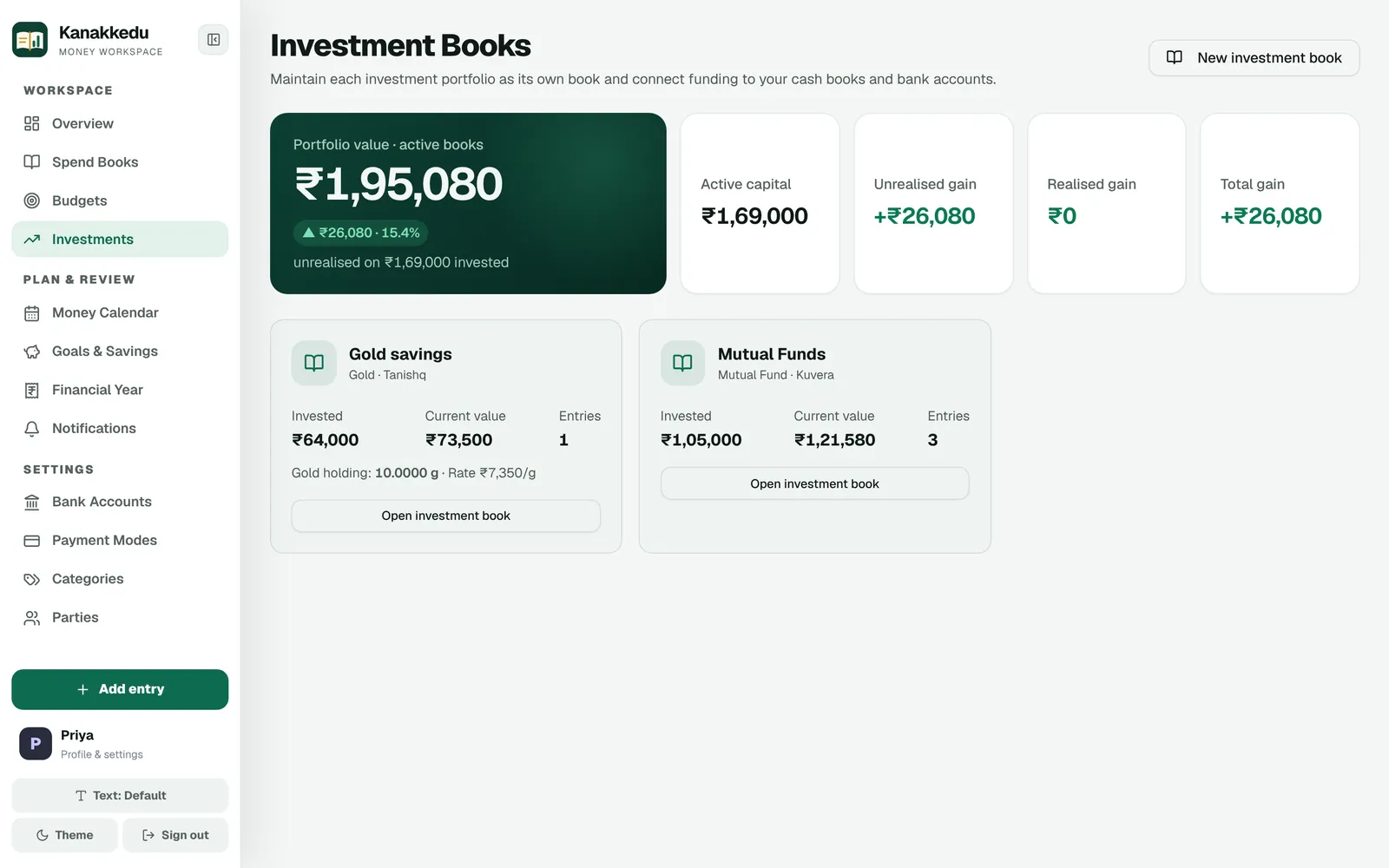
Track mutual funds, gold and other holdings as investment books. See invested capital, current value, gains and return, and record redemptions when you sell.
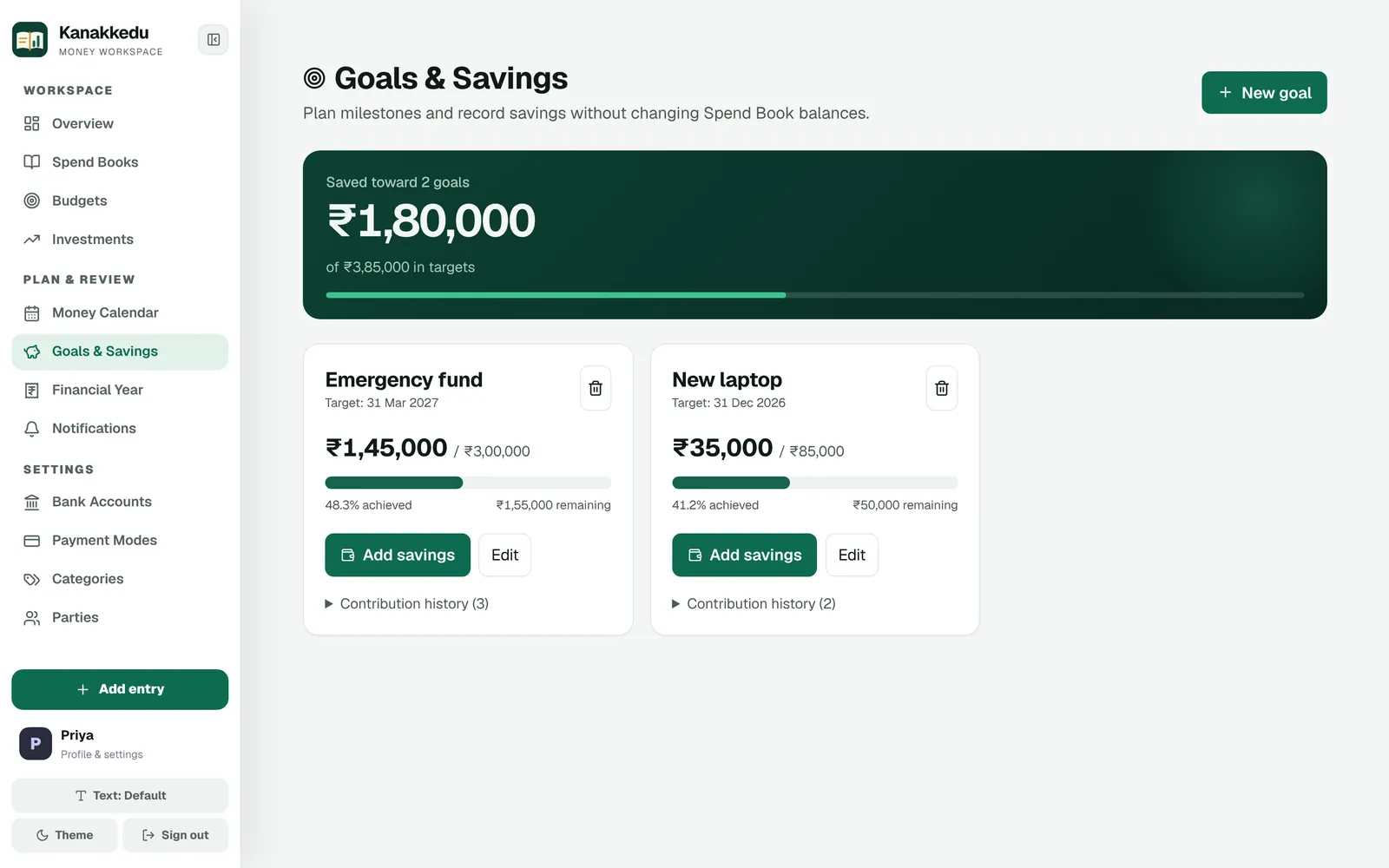
Set a target and a date for an emergency fund or a family holiday, add savings as you go, and see how far you have come.
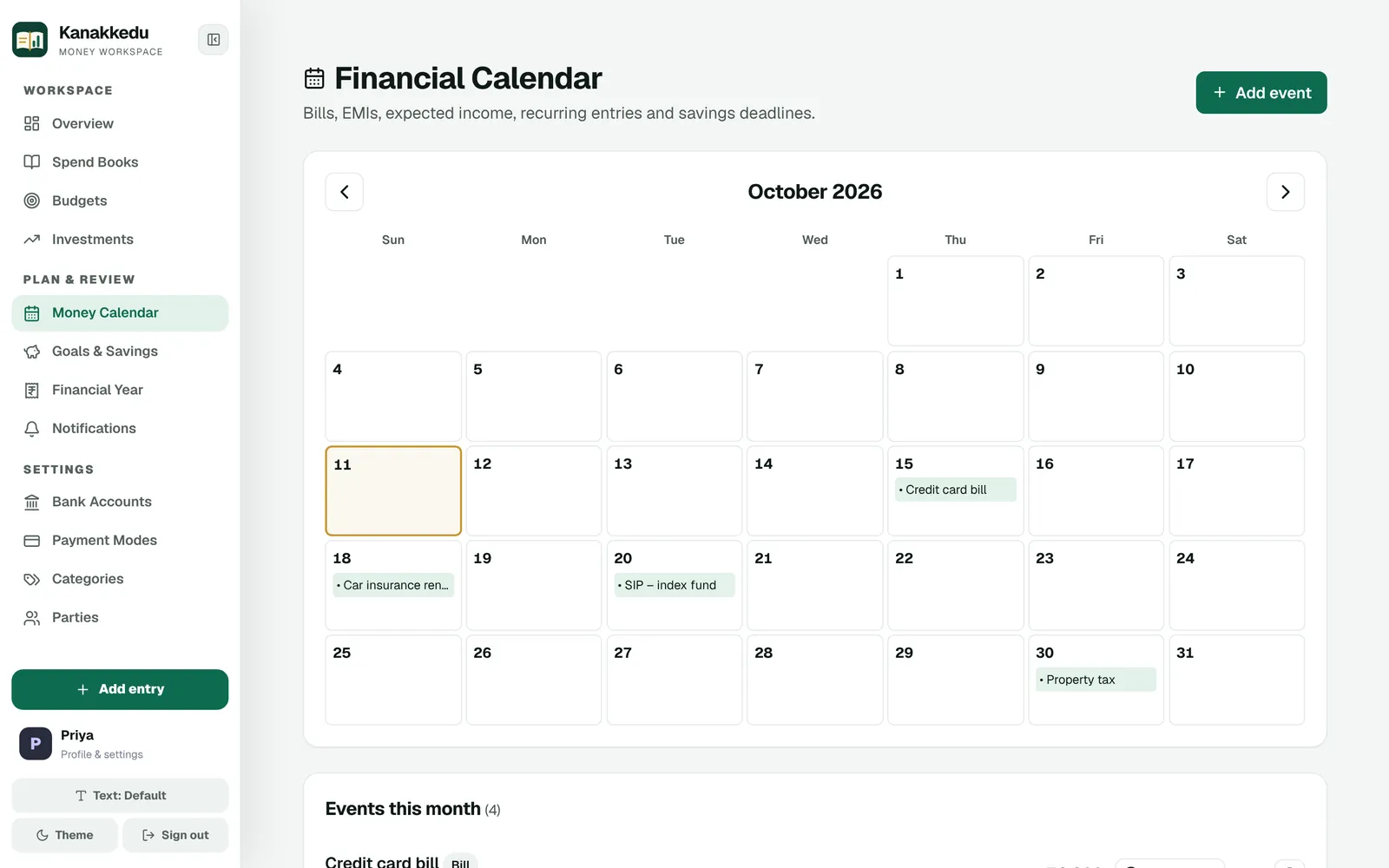
Bills, EMIs, SIPs and expected income sit on one money calendar, with in-app notifications and optional reminder emails.
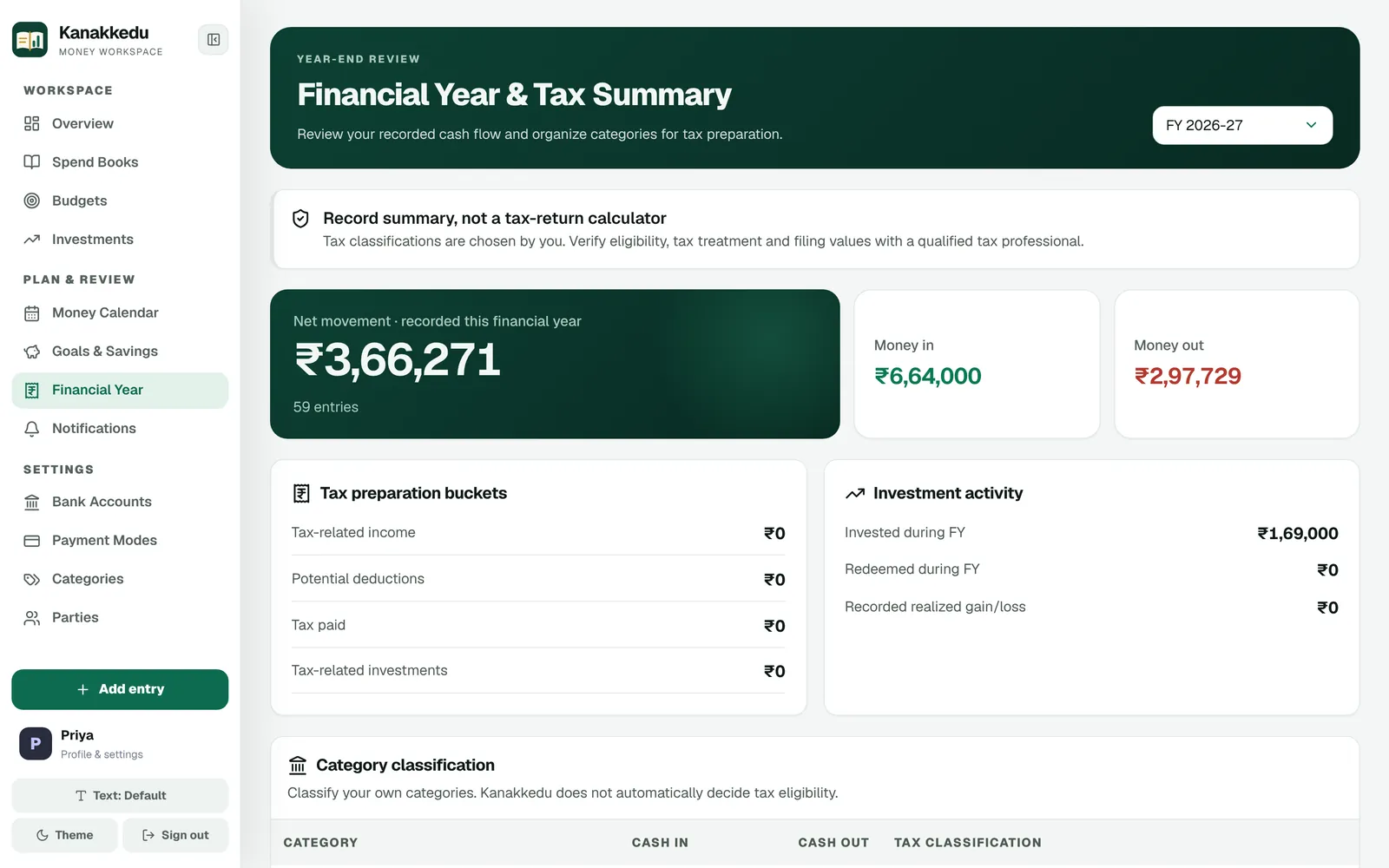
The financial year summary totals what you recorded from April to March and lets you classify categories to make tax preparation easier.
Everything in one ledger
The everyday entries, the bigger plans and the paperwork, all kept together.
Cash in and cash out by date, category, party and payment mode, with running balances.
Balances behind your PIN, linked to books, with only the last four digits stored.
Monthly or custom-period limits, per category if you like, with alerts as you approach them.
Mutual funds, gold and more: capital, current value, gains, redemptions and statements.
Targets with dates, contributions and progress, for the things that matter to you.
Bills, EMIs and expected income with notifications and recurring entries.
Attach bill photos or PDFs to any entry, and scan a bill to fill the amount, date and shop.
Share a book to view, add entries or edit, with a timeline of who changed what.
Bank statements (Excel or CSV) with a preview first; export to CSV, Excel or PDF.
An April–March summary with categories you classify for tax preparation.
Manual or scheduled backups, checked before any restore, with a safety copy first.
Three text sizes and colour themes, comfortable on a big screen or a narrow window.
Monthly and yearly cost of every regular payment, loan balances and an EMI calculator.
Insurance, PUC, warranty and passport dates, with reminders before they expire.
Split and settle, lent and borrowed, pocket-money books for children and a trusted contact.
Write to a person from Help & support and read the reply in the app or by email.
What's new
Recent additions that take the effort and the worry out of keeping accounts.
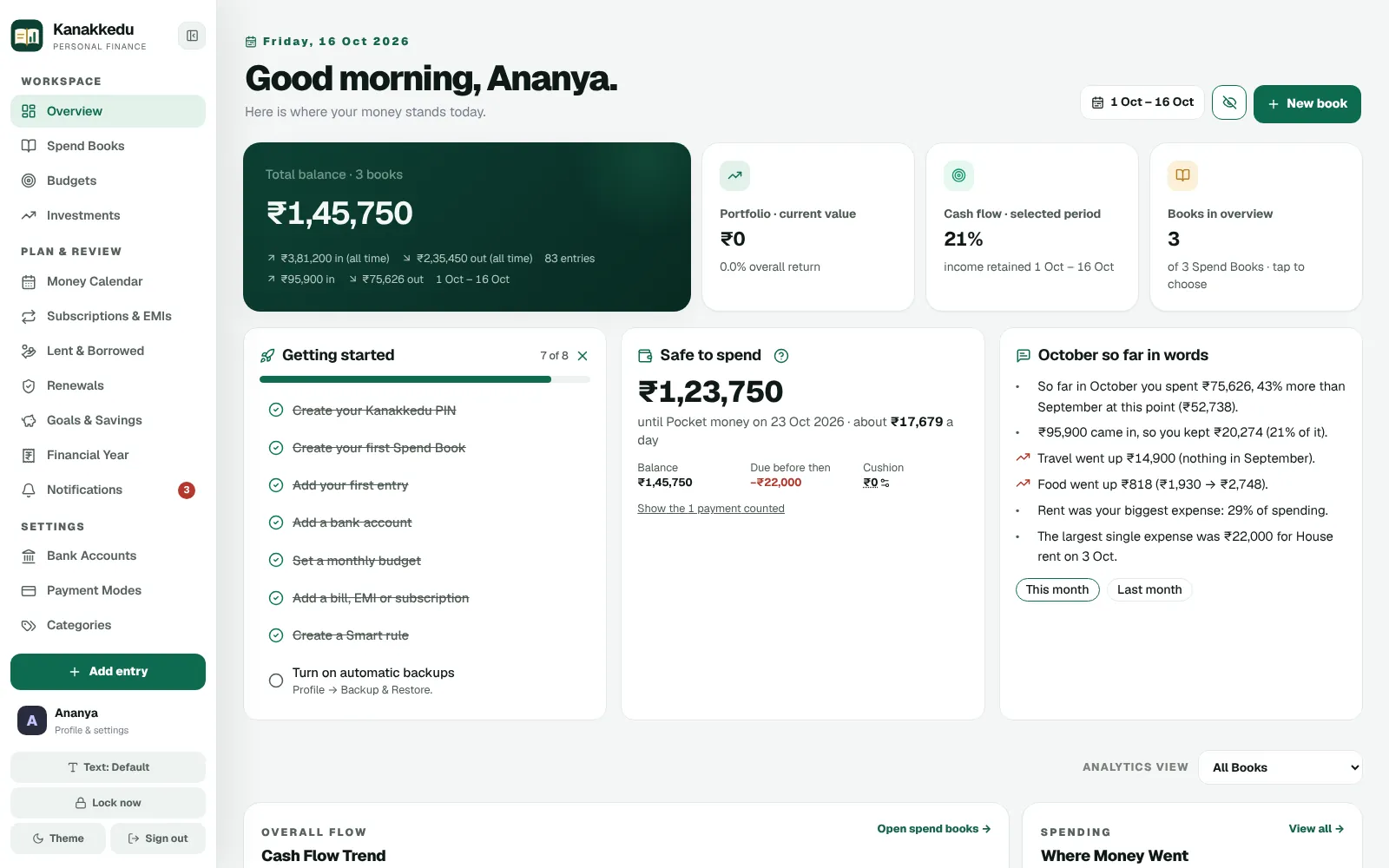
Your balance minus every bill, EMI and subscription due before your next income, and what that leaves per day. Plus your month told in plain words.
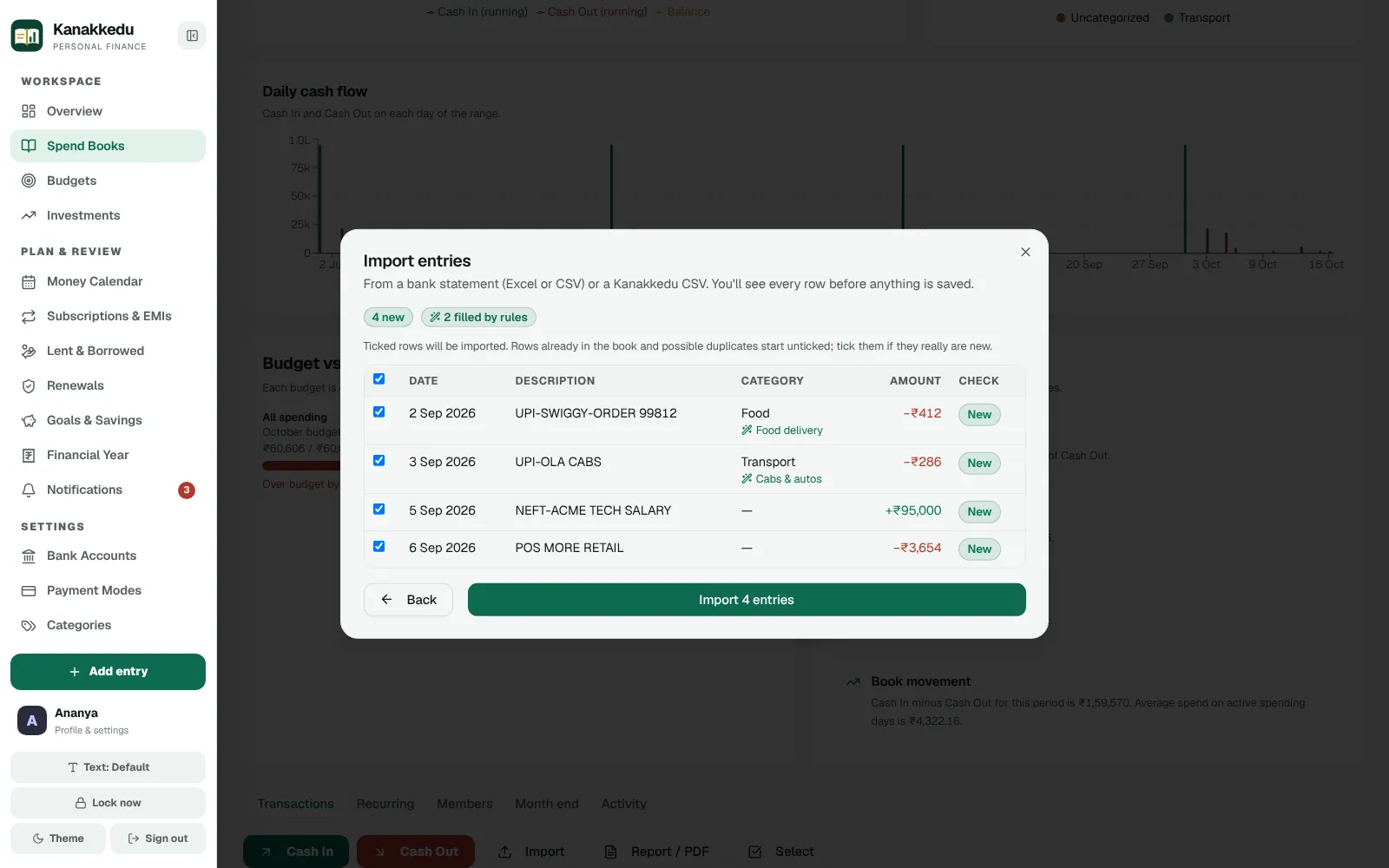
Upload your bank's Excel or CSV statement, see every row first, and let Smart rules fill the categories. Duplicates are caught before they land.
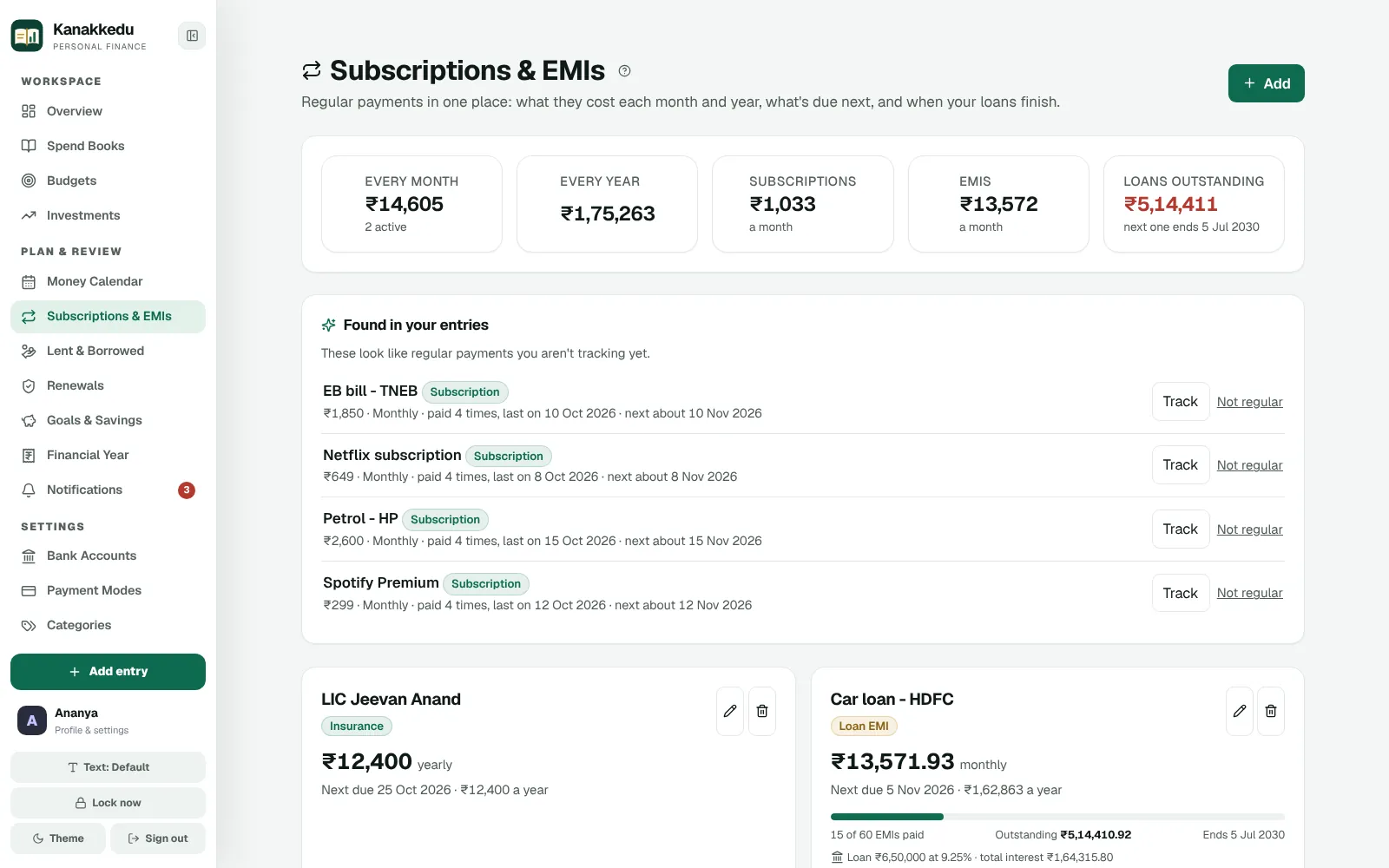
Every regular payment in one place, with what it costs a month and a year, the next due date and how much of a loan is left.
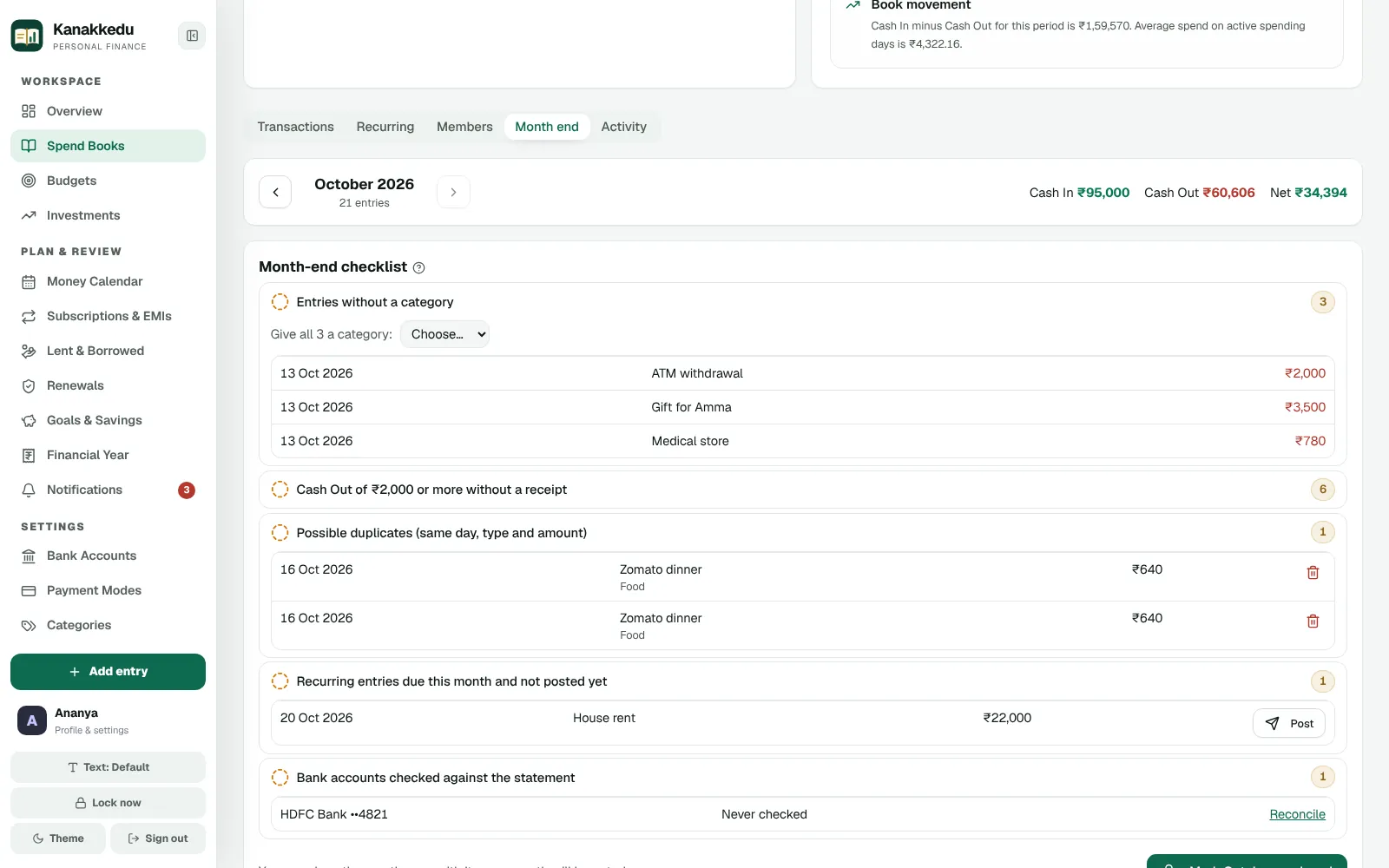
Entries without a category, possible duplicates, recurring payments not yet posted and banks to check, in one list. Then close the month.
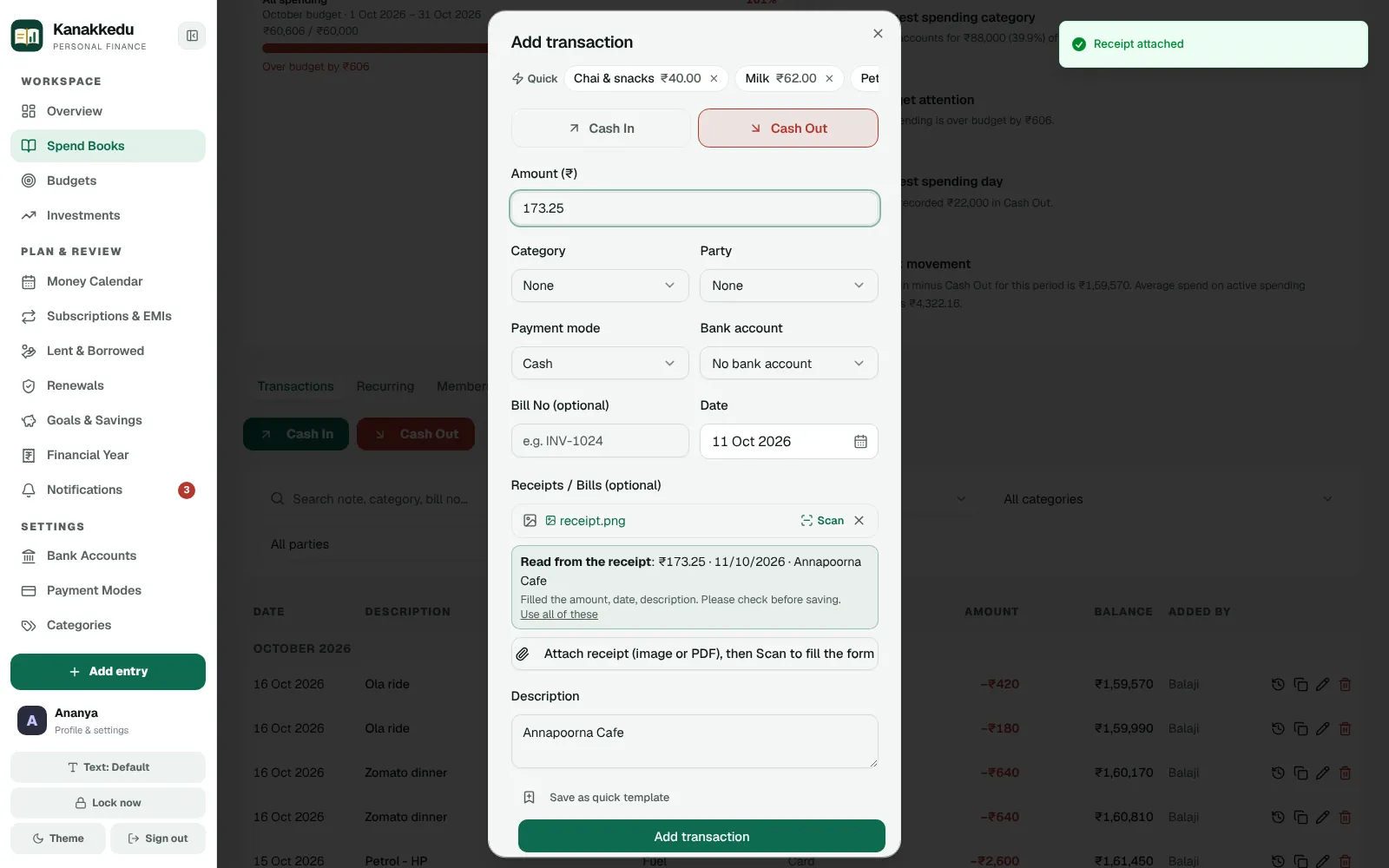
Snap a bill and tap Scan: the total, date and shop fill in. It runs on our own server, so your bills don't go to anyone else.
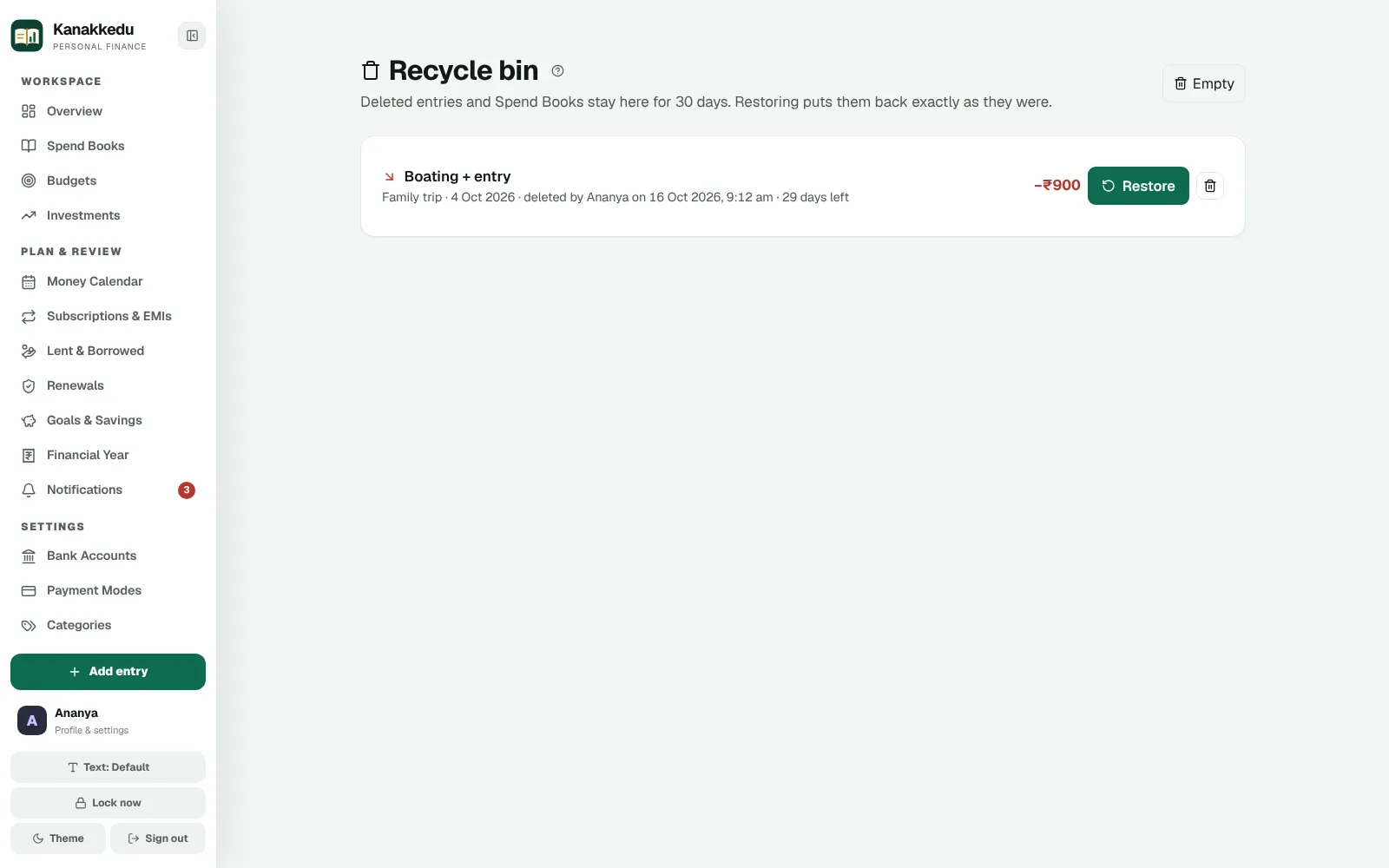
Deleted something by mistake? Undo it, or restore it from the recycle bin for 30 days. Every entry keeps its history.
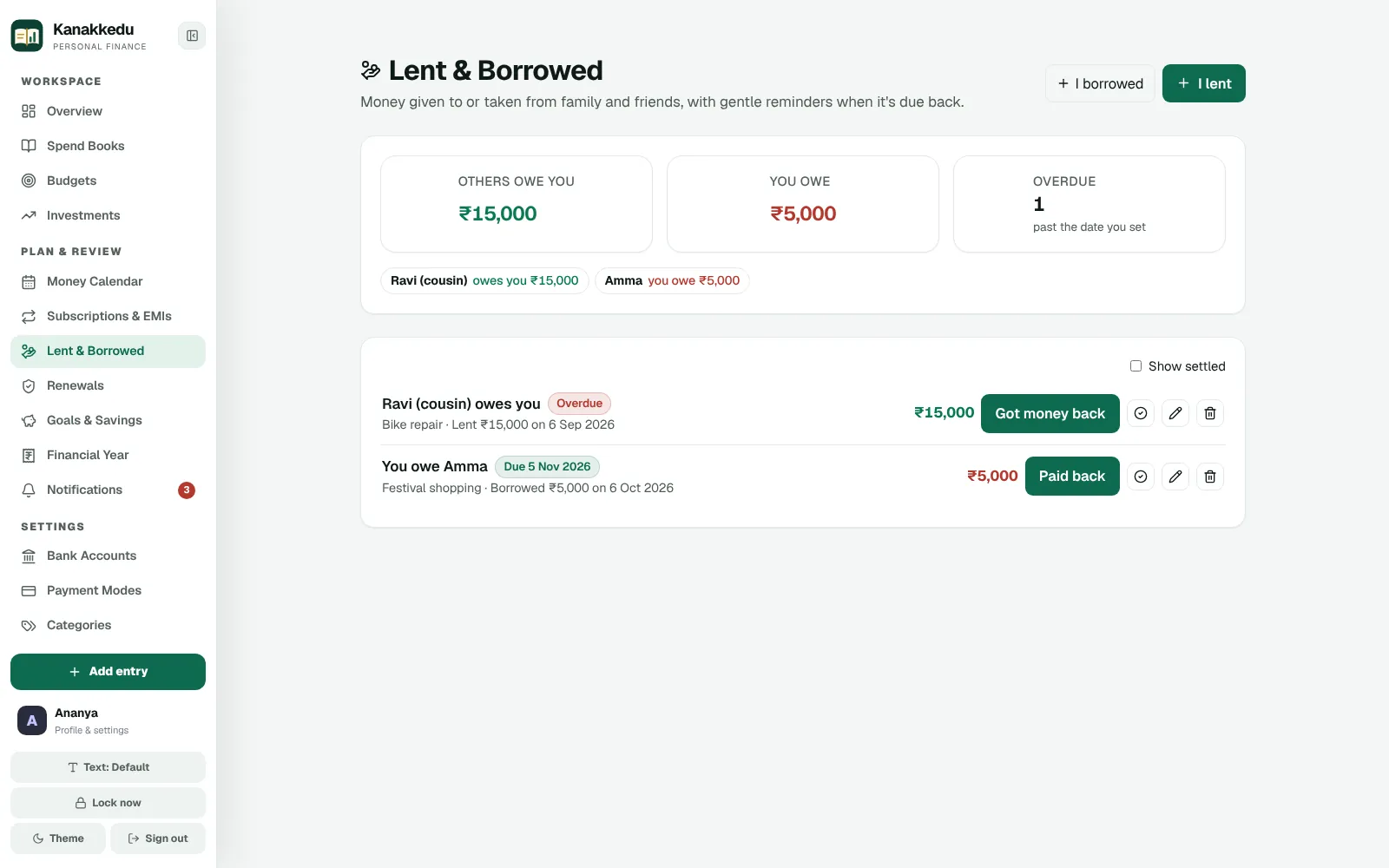
Money given to family or friends, trips split between members with the fewest payments to settle, and pocket-money books for children.
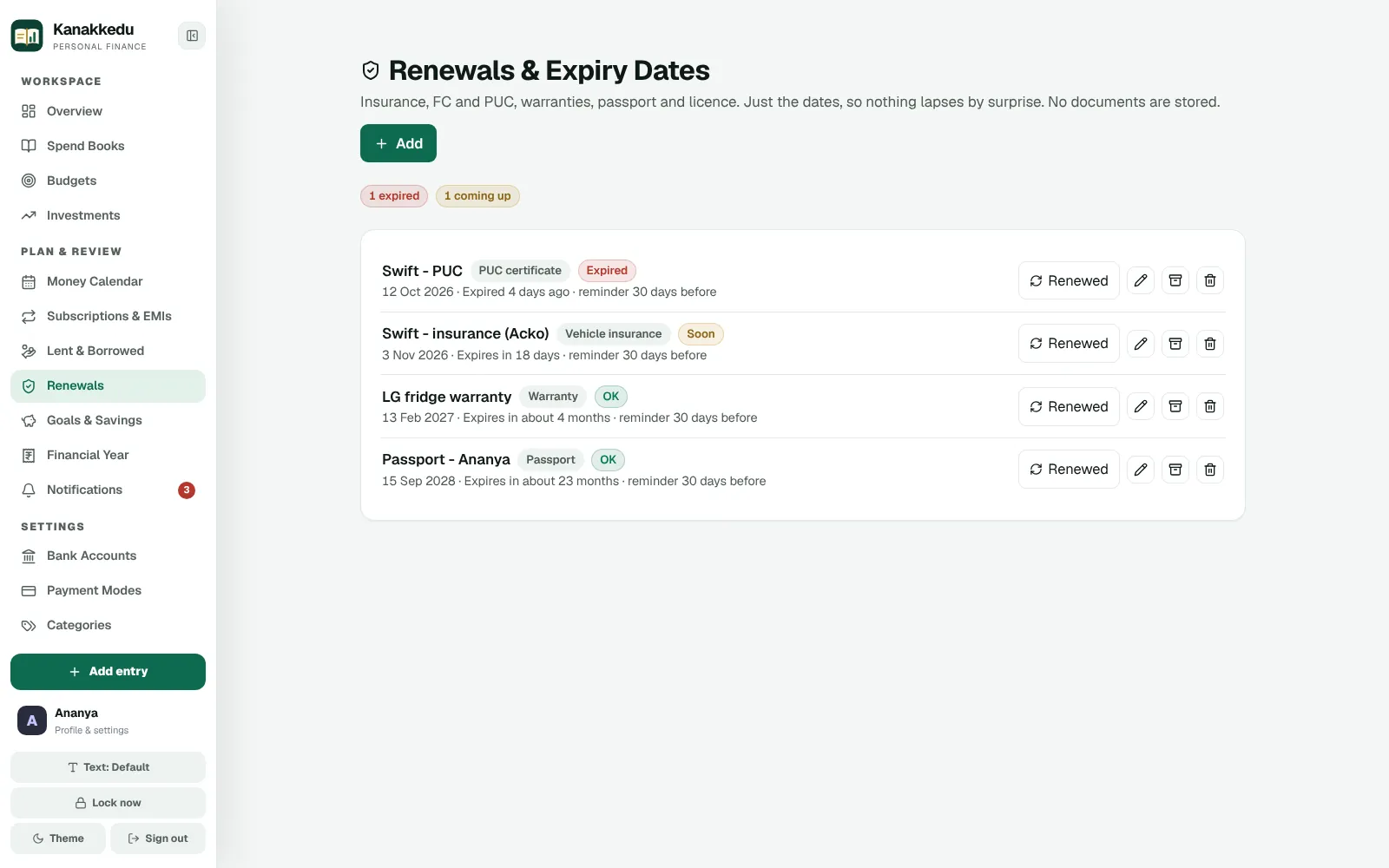
Insurance, PUC, warranties, passport and licence dates with reminders before they lapse. Dates only, never the documents.
Private by design
Your books are private to your account. Only you, and the people you choose to share a book with, can see the numbers.
Reports
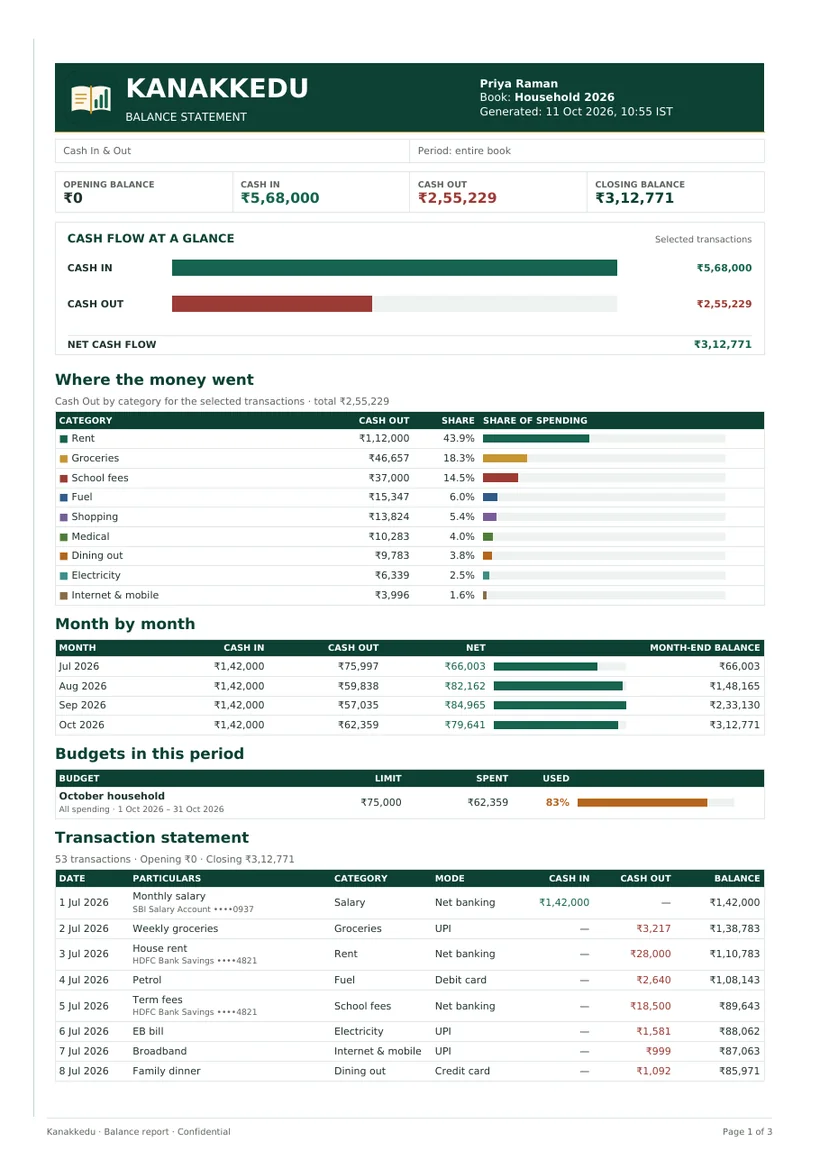
Download a balance statement for any book or date range. It is laid out like a ledger page and easy to read at a glance or file away.
Investment books get their own statement PDF. Any book can also be exported to CSV or Excel.
Get started
Sign up with your name and email, accept the terms, then enter the 6-digit code we email you.
Create account →Connect an authenticator app such as Google Authenticator, then set your Kanakkedu PIN for bank accounts and private books.
Add a book such as "Household", record a few entries, and watch the overview come to life.
Open Kanakkedu →Plans
Everything in Kanakkedu, for you and your family, while we learn from our first users.
Pilot
₹0during the pilot
After the pilot
We will offer plans with more storage and extras for families and small businesses.

Why "Kanakkedu"?
Kanakkedu means account book, the ruled ledger families and shopkeepers have kept for generations. We kept the idea of order, responsibility and trust, and made it quick to use every day.
Questions
Short answers to what people ask first.
Only you, and the people you share a book with, at the access level you choose: view, add entries or edit.
Yes. Download everything as one Excel file (Profile → Storage → Download all my data), export any book to CSV or Excel, download PDF statements, or download a full backup.
Set a new one in Profile → Security. You confirm it with your password and your authenticator code.
Use one of your recovery codes to set up a new authenticator. If you have none left, contact Kanakkedu support to reset it.
Create a backup any time, or schedule one daily, weekly or monthly. You can download a backup, and every backup is checked before a restore. Kanakkedu also makes a safety copy before restoring.
Yes. Each person has their own account. Share a book with view, add-entry or edit access, and the book's activity log shows who added, changed or deleted each entry.
In India, in Amazon Web Services' Mumbai region, on encrypted storage. See the Privacy policy for the details.
Each account has 10 GB for receipts and saved backups. Your entries and books don't count toward it. When it is full, only new uploads stop; nothing is deleted.
No. The scan runs on Kanakkedu's own server. You check what it read before anything is saved.
Tap Undo straight away, or restore it from the Recycle bin within 30 days.
Someone you name who can ask for view-only access to your Spend Books if you are inactive for a long time. You are emailed first and have 7 days; signing in cancels it.
Use Help & support in the app, or see the help centre and contact page.
No. The financial year summary organises what you recorded so it is easier to review with your tax professional. It does not calculate tax or file returns.
Open your workspace and carry on from your last entry.